Our network
The line is nbn’s. The rest is ours.
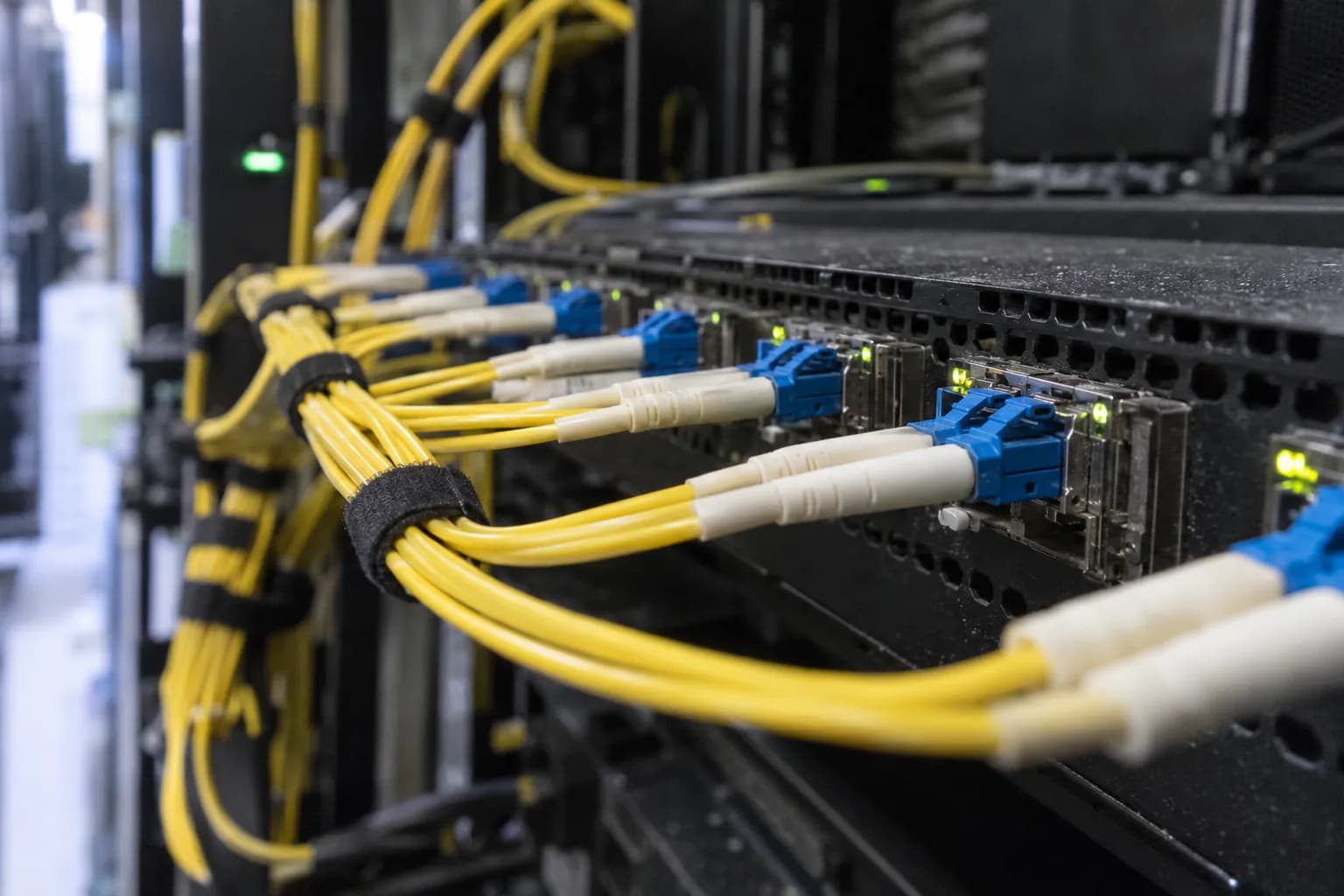
From your router to the internet
Your router is yours and the line is nbn’s. Once your traffic reaches our gateway, everything it touches is ours to run, and ours to fix.
Yours
Your router
Plugged into the nbn connection box, or the phone socket on FTTN and FTTB. It asks for an address by DHCP, like any device on a network: no PPPoE, no VLAN, no username or password.
nbn’s
The nbn line
Fibre, cable or copper from your place, across nbn’s network to a handover point. Our wholesale access provider carries it from there to our gateway.
Ours
Our gateway
Every NYX connection lands on our broadband network gateway (BNG). It hands out your addresses, and it’s how we, and your account page, can tell whether you’re online right now.
Ours
Our network, AS152590
Our routers and our address space, carrying your traffic out to the rest of the internet. The network is called Underlay; NYX is built on it.
Proper IPv6. A public IPv4 when you need one.
Native IPv6, a /60 each
Your router asks for a prefix with DHCPv6 prefix delegation and gets a /60, plus a /64 for its own WAN link. A /60 is 16 separate /64 networks: room for the main network, guest Wi-Fi, a home lab and the smart-home gear, each on its own subnet. Your prefix is on your service page in your account.
IPv4, shared by default
We share IPv4 addresses between households with carrier-grade NAT (CGNAT), as many providers do. If you need to be reachable over IPv4, for a game server, port forwarding or a home lab, add your own public IPv4 for $10 a month. Switch it on or off from your account; you only pay for the days it’s on.
What your router needs
- Internet connection type
- DHCP (IPoE)
- VLAN
- None, untagged
- Username and password
- None
- IPv6
- DHCPv6 with prefix delegation, ask for a /60
- FTTN and FTTB
- A VDSL2 modem-router that supports vectoring
- Ultra
- A gigabit (or faster) WAN port
Your traffic, left alone
Running our own gateway means we decide how your traffic is handled. We’ve decided to leave it alone.
- No shaping, no throttling
- Your speed isn’t slowed after a certain amount of data or at certain times of day, and data is unlimited on every plan.
- No prioritising or blocking
- We don’t prioritise, slow down or block particular apps, websites or kinds of traffic. The only exceptions: where the law requires us to block something, or where we briefly filter an attack to protect the network (see the acceptable use policy).
- Built for the busy hour
- We buy and plan capacity so the 7 to 11pm peak doesn’t congest our network, and we watch busy-hour use so we can add capacity as it grows.
- What we keep, and what we don’t
- The law requires us to keep records of your sessions and of which addresses your service held and when, for at least two years. We don’t keep the content of your communications or your browsing history, and we never sell your data. Privacy policy
The speeds we publish
Typical evening speeds, 7 to 11pm. They’re our initial estimates: the plan’s speed less protocol overhead, on a network planned so the busy hour doesn’t congest. We’ll replace them with measured figures once we have three months of our own.
- Essential
- 24Mbps
- Boost
- 450Mbps90 on copper
- Ultra
- 850Mbps
How speeds work covers what else affects yours, and how to test it properly.
When something breaks
Report faults to us, not to nbn. The people who answer can see the network, so you won’t be passed along a chain of people who can’t.
We look at our side first
Your connection lands on our gateway, so we can see straight away whether it’s up and what’s happened to it recently. Your account shows the same live status.
We test the line
We run tests on your nbn line from our end, and you can run them yourself from your account. Open a ticket and a line test starts while you wait, without dropping your connection.
If it’s in nbn’s network, we chase it
We raise it with nbn and keep chasing until it’s fixed. If a technician has to visit and a call-out fee could apply, we tell you before the visit is booked.
We tell you what’s happening
Outages and planned work go on our network status page as soon as we know about them, with what’s happening and what happens next. Customers who are affected get an email too.
Our standard service level is best efforts, with no guaranteed repair time. Faults in nbn’s network are fixed within nbn’s fault timeframes.
The finer detail
Questions from people who run home labs, game servers and their own mail. Ask us anything else at hello@nyx.net.au.
Will I notice CGNAT?
For browsing, streaming, video calls and most gaming, no. You’ll notice it when something on the internet needs to start a connection to you over IPv4: hosting a server, port forwarding, or reaching cameras or a home lab from outside. That’s what the public IPv4 add-on is for.
IPv6 connections can still reach your network directly, through your router’s firewall rules.
Can I host things at home?
Yes, with a public IPv4 ($10 a month). Connections from the internet then reach your router directly, so port forwarding works for game servers, media servers, cameras, a VPN back home or a website. Over IPv6 you can host without the add-on.
Anything you open is reachable from the whole internet, so keep your router’s firmware up to date, change default passwords and only open what you need. The acceptable use policy covers hosting, including mail servers.
Can I get reverse DNS for my address?
Yes, for a public IPv4 address. Email hello@nyx.net.au with your service address and the hostname you want it to point to. If you’re running a mail server, set the matching forward (A) record on your domain first.
What happens when I turn the public IPv4 on or off?
Your IPv4 address changes and your connection drops for about 30 seconds while it does; we warn you before it happens. Leave your router’s WAN on DHCP and it picks up the new address by itself. You pay only for the days it’s on. If you had a public IP before it became an add-on, it stays free while you keep it switched on.
What happens to my addresses if I move or leave?
Addresses are licensed with the service, not owned, so they come back to us when the service ends. Moving house is a new service at the new address, with new addresses.
What’s AS152590?
Our autonomous system number: the identifier our network uses when it exchanges routes with the rest of the internet. It’s public, so you can look it up in any routing database.
Plug it in. It gets an address.