Coverage
Fibre, cable or copper.
We check your address while you wait, then tell you which connection your place has and which plans it can get.
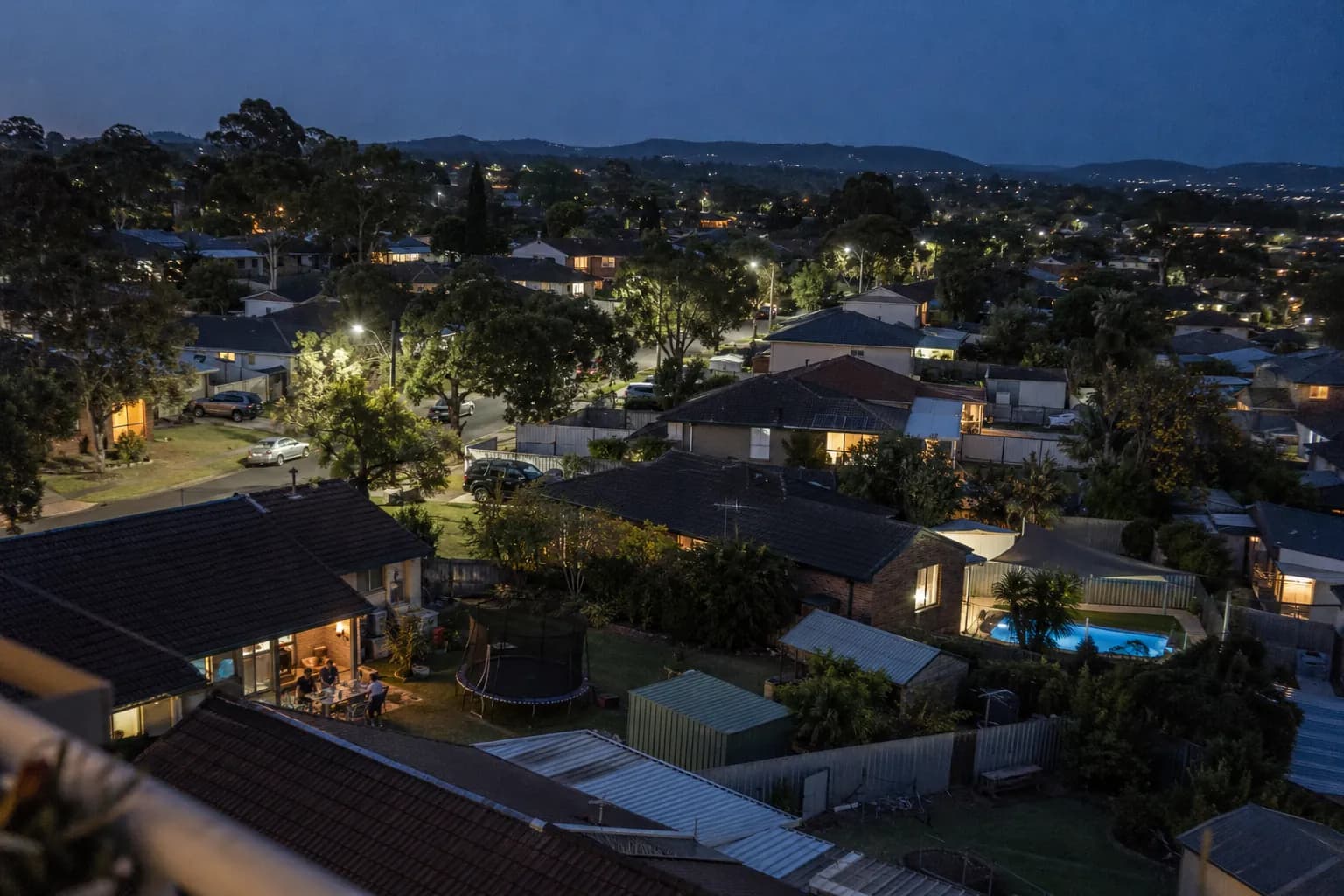
Five ways nbn reaches a home
Which one you’ve got decides your top speed and the router you need. You don’t need to know in advance: checking your address tells you.
FTTP
Fibre to the Premises
Fibre runs all the way into your home, to an nbn connection box on the wall. The fastest and most reliable kind of nbn connection.
- Fastest plan
- Ultra, 1000/100 Mbps
- Your router
- Any router with an Ethernet WAN port that supports DHCP, plugged into UNI-D port 1 on the nbn connection box.
HFC
Hybrid Fibre Coaxial
Fibre runs to a node in your area, then the coaxial cable once used for pay TV covers the rest of the way, into an nbn connection box.
- Fastest plan
- Ultra, 1000/100 Mbps
- Your router
- Any router with an Ethernet WAN port that supports DHCP, plugged into UNI-D port 1 on the nbn connection box.
FTTC
Fibre to the Curb
Fibre runs to a small unit in the pit outside, then your existing copper phone line covers the last few metres to an nbn connection device inside.
- Fastest plan
- Boost, 100/20 Mbps
- Your router
- Any router with an Ethernet WAN port that supports DHCP, plugged into the Ethernet port on the nbn connection device.
FTTB
Fibre to the Building
Common in apartment blocks. Fibre reaches the building’s comms room, then the building’s copper wiring runs to the phone socket in your unit. Speed depends on that wiring.
- Fastest plan
- Boost, 100/20 Mbps
- Your router
- A VDSL2 modem-router that supports vectoring, plugged into the phone wall socket.
FTTN
Fibre to the Node
Fibre runs to a cabinet in your street, then copper covers the rest of the way to your home. Speed depends on how far you are from the cabinet and the state of the copper.
- Fastest plan
- Boost, 100/20 Mbps
- Your router
- A VDSL2 modem-router that supports vectoring, plugged into the phone wall socket.
Not sure your router will do? Getting connected walks through it, or send us the make and model and we’ll tell you.
Which plans work where
Maximum download/upload in Mbps, with the typical evening speed (7 to 11pm) underneath. Prices are the same whatever your connection: compare plans and prices.
| Connection | Essentialnbn 25 | BoostHome Fast | UltraHome Ultrafast |
|---|---|---|---|
| FTTP | 25/ | 500/ | 1000/ |
| HFC | 25/ | 500/ | 1000/ |
| FTTC | 25/ | 100/ | Not available |
| FTTB | 25/ | 100/ | Not available |
| FTTN | 25/ | 100/ | Not available |
Typical evening speeds are our initial estimates until we have three months of our own measurements. FTTN and FTTB lines may not reach their tier’s maximum. More about speeds
Where it gets complicated
- Fixed Wireless and Satellite
- We don’t sell nbn Fixed Wireless or Sky Muster satellite services. If that’s what your place has, we can’t connect you, and we’d rather you knew now than after you order.
- Copper has limits
- On FTTN and FTTB, distance and old wiring mean some lines can’t reach 100/20. If yours can’t reach the plan you chose, we move you to one it can and refund the difference back to the day you went live, or you can leave without paying anything more.
- Sometimes nbn has to do work first
- Some FTTP and HFC premises need a new nbn connection box for Boost or Ultra, and new developments can carry an nbn charge. We tell you the amount and get your OK before ordering any work, and pass it on at cost. If you’d rather not and we can’t connect you, your first month is refunded in full.

One price, wherever you are.
A plan costs the same in a capital city as in a country town, and the same on copper as on fibre. Every connection lands on the same network, looked after by the same people, and you can reach them on 02 4398 7081 or at hello@nyx.net.au.
Let’s see what your place has.